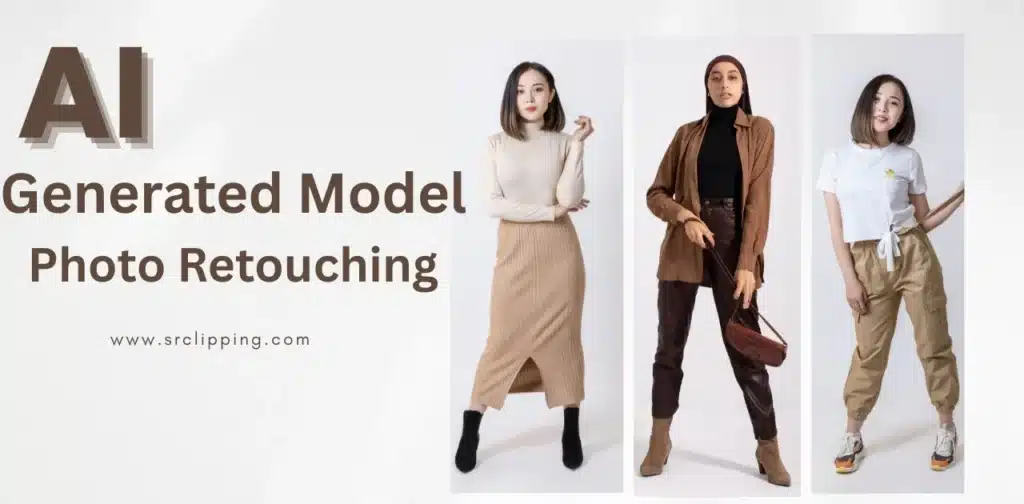
AI Fashion Photoshoots vs Retouching is now a key topic in the fashion world. Many brands use AI because it creates model photos fast and saves a lot of money. A simple product photo can turn into a full model image within minutes. Some companies even report up to 40% lower content costs after moving to AI. This sounds great, but AI often makes small mistakes. Logos may look stretched, text may look soft, and buttons or zippers may appear out of place.
AI gives a strong start, but it does not finish the job alone. A human retoucher fixes the details that AI gets wrong. Clean logos, clear text, proper shape, and natural fabric lines all come from skilled editing. This guide shows how AI brings speed and how retouching brings accuracy. Let’s start………
What Is an AI Fashion Photoshoot?
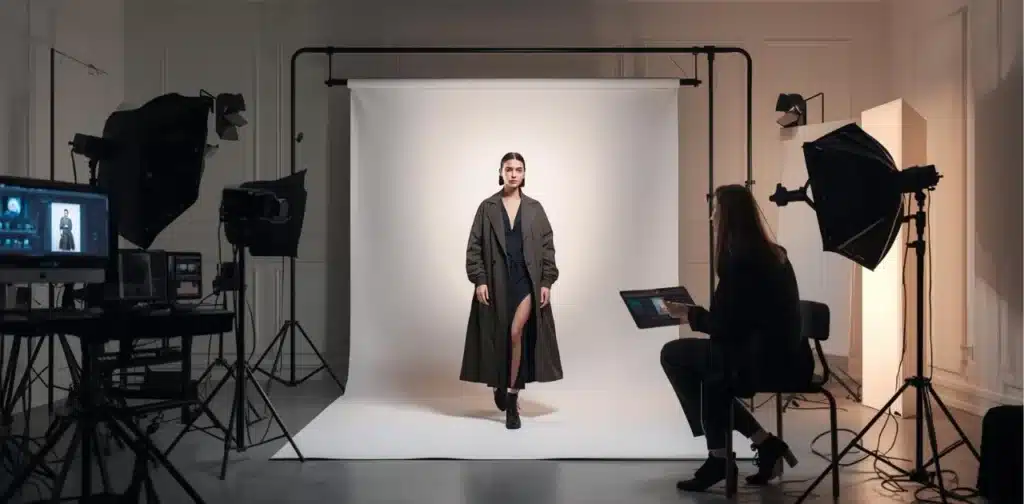
An AI fashion photoshoot is a digital process that turns a plain product photo into a model image through artificial intelligence. The system studies the shape, color, and texture of the item, then places it on a model that matches the brand’s style. This approach removes the need for studios, lights, makeup teams, or long shooting days. Brands get fast, realistic images that look like real photos, even though everything starts with a simple product shot.
How AI Converts Product Shots into Model Photos
AI starts with a still-life product image. This can be a photo of a shirt, dress, jacket, or any item placed on a flat surface or mannequin. The system reads the shape, color, and fabric lines so it understands how the item should look on a person.
The next step uses AI pose generation. The tool selects a model pose, body shape, and style that fits the item. It maps the product onto the model, adjusts the folds, and shapes the fabric so it looks natural. The final output becomes a full model photo that appears ready for an online store or social media.
Brands choose this workflow because it saves time and money. A single product photo can produce many model shots without booking a studio, hiring a team, or planning a full-day shoot. This lets companies create large sets of images quickly, which helps them stay active and consistent in a fast-moving market.
Advantages of AI-Generated Fashion Photos
AI gives brands a faster way to build model images from their product shots. Many teams finish a full set of visuals in hours instead of days. This speed helps brands react quickly during new launches, holidays, or sudden trends.
AI also reduces cost. A brand avoids studio fees, model bookings, makeup teams, and long production days. One product photo can create many images with different looks, which helps both small shops and large e-commerce stores grow without heavy spending.
Key advantages include:
- Faster production that keeps up with daily marketing needs
- Lower cost, which makes content creation easier for any brand
- Many model types, skin tones, and poses available in one system
- Flexible backgrounds for any theme or season
- High content output that supports e-commerce scaling
This mix of speed and affordability makes AI a strong choice for brands that want clean visuals without a full studio setup.
Limitations of AI Fashion Photos (Where AI Fails)
AI brings speed, but it often struggles with the small details that shoppers notice first. Many brands expect clean and accurate visuals, yet the AI output sometimes creates errors that look strange or unprofessional. These mistakes reduce trust and can hurt sales if they stay in the final image.
Common issues include:
- Logo distortions that stretch or bend the brand mark
- Incorrect text or print quality that looks blurry or unreadable
- Button symmetry issues that make clothing appear uneven
- Zipper placement errors that throw off the natural shape
- Fabric texture mistakes that look fake or too smooth
- AI hallucinations such as extra fingers, wrong seams, or wrong labels
These flaws show why human retouching still matters. A skilled editor corrects each detail so the final image feels real and trustworthy.
Why Human Retouching Is Essential
AI creates speed, but human retouching brings accuracy. A skilled editor notices details that AI often gets wrong. Clean lines, correct shapes, and natural fabric movement all come from careful work done by a real person. This mix of AI speed and human precision gives brands the best results.
Human retouching also keeps every image consistent with the brand’s style. Clear logos, sharp text, and proper color tones protect the brand identity and help shoppers feel confident. A retoucher checks each image, fixes small flaws, and removes errors that look like AI glitches or copyright-style mistakes. This attention to detail builds trust and gives the final image a polished, realistic look that supports strong sales and a clean online presence.
What SR Clipping Fixes
SR Clipping improves every AI fashion image with careful, hands-on editing. The goal is to make each photo clean, natural, and ready for real customers. AI gives the base, and SR Clipping adds the accuracy that brands expect.
A. Logo & Branding Correction
Logos often look stretched or unclear in AI outputs. SR Clipping sharpens the design and restores the exact shape and size.
Examples:
- Before: logo looks bent
- After: logo appears sharp and balanced
B. Text & Print Refinement
Printed text or graphics may lose clarity or shift position. SR Clipping restores clean edges and correct placement.
Examples:
- Before: blurry print
- After: clean and readable
C. Zipper & Button Alignment
Zippers and buttons sometimes appear crooked or misplaced. Skilled editors fix the alignment so the garment looks natural.
Examples:
- Before: uneven button line
- After: straight and realistic
D. Shape, Fit & Symmetry Adjustments
AI may change the shape of the clothing or model in strange ways. SR Clipping adjusts the fit and keeps the overall form accurate and symmetrical.
Examples:
- Before: awkward fabric bends
- After: smooth and even look
E. Fixing AI Hallucination Errors
AI sometimes creates extra fingers, wrong seams, or random shapes. SR Clipping removes these glitches to protect the quality of the final image.
Examples:
- Before: extra seam or finger
- After: natural human and garment structure
F. Creating a Final Retail-Ready Output
The final image gets color correction, sharpness, and a clean finish. This prepares the photo for e-commerce platforms, ads, and catalogs.
Examples:
- Before: dull and incomplete image
- After: polished, clear, and ready to publish
Step-by-Step Workflow (AI → Human Retouching)
This workflow gives brands a clear path from a basic product shot to a polished, ready-to-sell model image. Each step adds value, speed, and precision. AI handles the first stage, and human retouching brings the final quality that customers trust.
The process starts after a brand uploads clear product photos. The system studies the item and creates a model image that matches the style, pose, and look the brand prefers. A human retoucher reviews that image and checks for errors such as stretched logos, wrong text, uneven shapes, or misplaced details. Every issue gets corrected with care so the item looks clean and natural.
The next stage focuses on refining the small elements. Logos stay sharp, prints stay clear, and fabric lines look balanced. A retoucher adjusts color, shape, and symmetry until the image reaches a retail-ready standard. The final visual arrives polished, bright, and consistent with the brand’s identity. This mix of AI speed and expert editing gives the best results for e-commerce use.
When to Use AI Only vs AI + Human Retouching
This guide helps brands choose the right workflow based on budget, quality needs, and project goals. Some teams prefer AI-only production for speed, while others rely on both AI and human retouching to protect their brand image. Each path works, but the results vary depending on the level of detail you expect.
Small brands often start with AI only. This choice reduces cost and gives them quick visuals for social media or simple product listings. Fast catalog updates also fit this method because AI produces large batches of images within a short time. Tight budgets push many sellers toward AI as well, since it avoids studio fees and long production days.
High-end brands look for perfection, so they blend AI with human retouching. This mixed method keeps logos sharp, text readable, and fabric lines natural. It also protects the brand from mistakes that AI sometimes creates, such as uneven buttons, wrong seams, or stretched prints. This combined workflow works best in cases where AI alone cannot deliver the accuracy needed for premium fashion images.
Cost Comparison (AI vs Real Photoshoot vs Human Retouching)
Brands often compare AI, real photoshoots, and human retouching to see which option fits their goals. Each method offers a different balance of time, cost, quality, scalability, and detail accuracy. This breakdown helps buyers choose a workflow that supports their budget and content needs.
AI gives the fastest results. A single product image can turn into many model photos in a short time. The cost stays low because there is no studio, no model, and no full production team. Quality stays good for everyday e-commerce use, and the system scales easily for large catalogs. The downside appears in the small details. AI sometimes creates errors that need correction.
Real photoshoots require more time and money. Booking models, stylists, photographers, and studios raises the overall budget. The quality stays high, but the workflow does not scale well for brands with hundreds or thousands of items. Many teams also face long editing times after the shoot.
Human retouching sits between both methods. The process adds accuracy and clean details without the high cost of a full photoshoot. Editors fix shape, texture, logos, and fabric lines so the final image looks real and trustworthy. This method gives strong quality for brands that want control without overspending. AI handles the speed, and retouching protects the final look.
Why Fashion Brands Trust SR Clipping
Fashion brands look for clean, reliable, and accurate images. SR Clipping delivers exactly that. The team has years of experience working with global clients who expect strong quality and quick results. Many brands return again because they know the final image will match their style, tone, and product standards.
SR Clipping focuses on specialized fashion retouching, which helps every item look sharp and believable. The service stays affordable and fast, making it easy for both small sellers and large e-commerce stores to manage high-volume projects. A trained expert handles each file and checks every detail with care. The team works 24/7, so brands get steady support and fast delivery no matter the time zone. This level of attention builds trust and keeps the workflow smooth for long-term partnerships.
Conclusion:
AI gives brands speed and low-cost production, which helps them keep up with today’s fast market. Human retouching adds the accuracy and perfection that buyers expect when they look at fashion images. SR Clipping combines both methods into one smooth workflow. The result stays clean, sharp, and consistent with the brand’s identity. This mix works well for everyday sellers and high-end labels that want images they can trust.
A balanced approach gives the strongest outcome. AI handles the heavy work, and expert retouching finishes the details. Brands get fast delivery and the level of quality needed to stand out online. Strong visuals support better customer trust and stronger sales, which makes this method a smart choice for e-commerce teams of any size.